mt.editor installation
Associated Product: mt.editor
Last change: Dec 07, 2011Here are the install instructions for mt.editor v1
- Download latest build
- Quit Adobe InDesign or InCopy
- Locate the Plug-Ins folder for your copy of Adobe InDesign, InCopy or InDesign Server installation
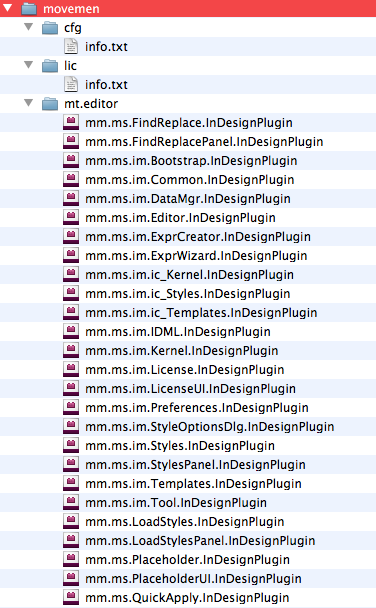
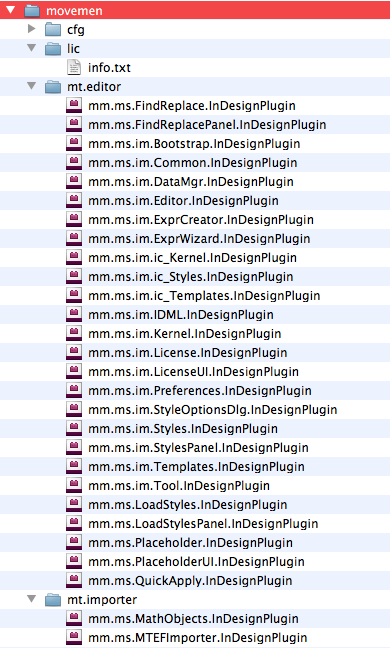
- Unzip the mt.editor archive and find the movemen folder
- Drag/Copy the entire movemen folder to the Plug-ins folder for Adobe InDesign or InCopy
- Unzip the mt.editor license file and Drag/Copy the mt.editor license file to the "Lic" folder—Plug-ins/movemen/lic
- The new folder structure means that the license files for mt.importer and mt.editor are stored in this common License folder.